🇧🇪 Free on Android · Pro trial included
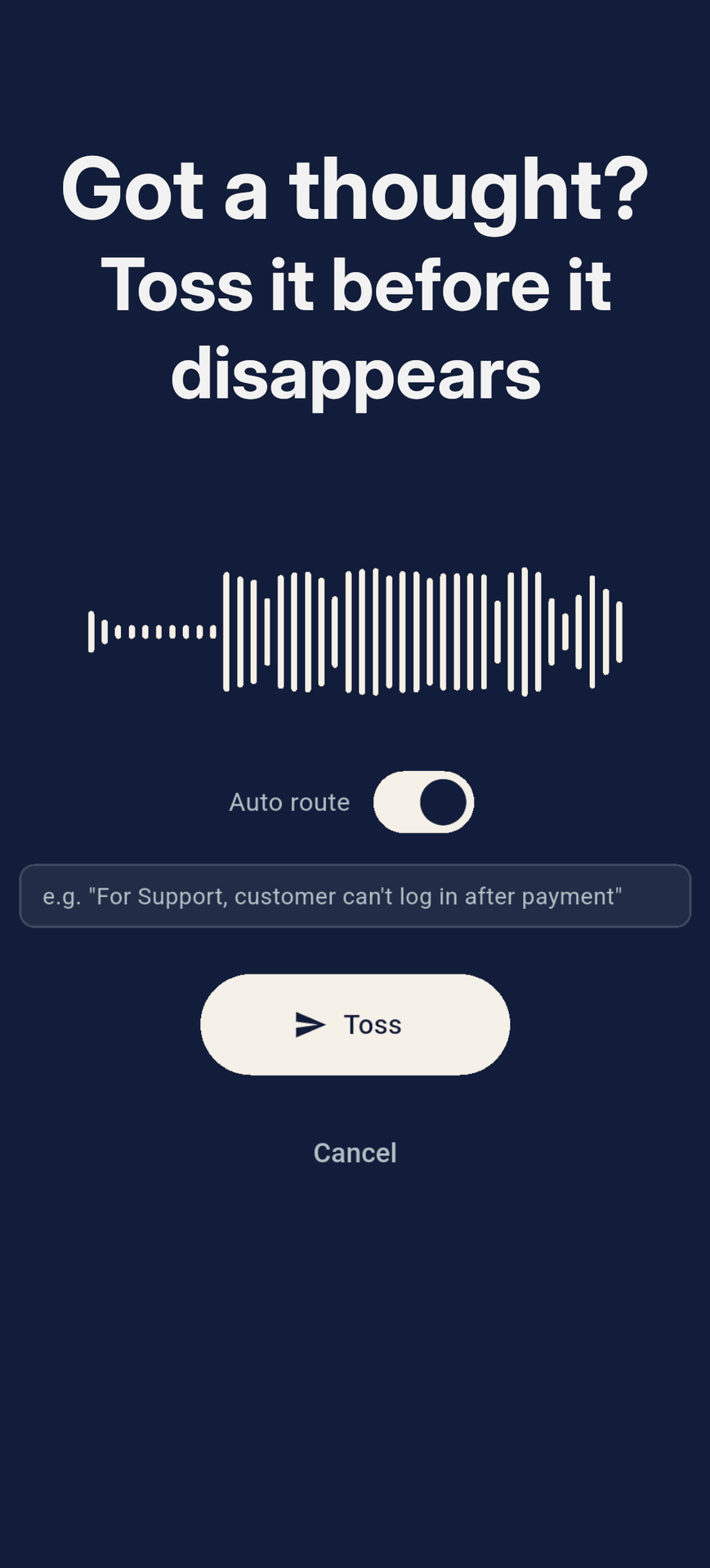
Got a thought?
Toss it before it disappears.
Speak, type or snap it. Say who it's for. It lands in the right inbox as a clean email, and your day carries on. Toss is the fastest way to get a thought out of your head without opening a single folder.
Your inboxes
- Work
- Ideas
- Support
How it works
Three seconds. Zero decisions.
Every other app asks you to organise at the exact moment you have no time to. Toss asks one thing, and you answer it out loud.
First steps in two minutes- 01
Open. Speak.
One tap and you are recording. Say the thought the way it shows up in your head: half-formed, mid-walk, hands full. Type it or snap it if that is faster.
- 02
Say who it is for.
“For work…”, “For Claire…”, “For support…”. That is the whole gesture. Toss hears the name and knows where it goes. No folders, no tags, no picking.
- 03
It arrives filed.
A clean email lands in that inbox with a real subject line and a tidy summary. Your task manager, helpdesk or teammate takes it from there. You have already forgotten about it, which is the point.
The one thing nobody else does
The fastest routing is no routing at all.
Name your inboxes once: Work, Ideas, Support, your partner, your accountant. From then on, the first two words of your voice note decide where it goes. Hands stay in your pockets. Gloves stay on. Nothing waits for you to come back and file it.
For work, the client call moved to Thursday
→ WorkFor Claire, we're out of coffee filters
→ ClaireFor support, the checkout breaks when you skip the address step
→ SupportCapture anything
However the thought shows up.
Voice when your hands are busy. Text when you are in a meeting. A photo when words would take too long.
Voice
Talk while walking, driving or between two meetings. Pro cleans it into bullets, prose or a transcript.
Text
A few words is enough. A reminder, a follow-up, a fragment of an idea. Type, toss, gone.
Photo
Point at the thing. A whiteboard, a receipt, a part number. Add spoken context if you want.
Screenshot
From any Android app: tap Share, pick Toss. It never needs to be opened first.
Files
PDFs, invoices, documents. Route them where they need to go instead of hunting for them later.
Offline
No signal? Still captured. Toss queues it and sends the moment you are back online. Nothing is lost.
No integrations to set up
If it has an email address, Toss feeds it.
No plugins, no OAuth, no API keys. Toss sends email, and email is the one integration every tool already has. Subject tags make your filters and automations precise.
See example setups- Gmail
- Outlook
- Todoist
- Asana
- Linear
- Trello
- Odoo
- Zendesk
- Freshdesk
- Zapier
- Make
- n8n
- Any inbox
Built for
People who think faster than they file.
Pricing
Free to toss. Pro when you want it to think.
Every install starts with 14 days of Pro. No card, nothing expires silently. Keep what works.
Full comparisonFree
€0
Forever. No card.
- ✓ Unlimited captures, every type
- ✓ One inbox
- ✓ Offline queue
Pro
€39/yr
or €4.99/month · before VAT
- ✓ Named inboxes, unlimited
- ✓ “For work…” spoken routing
- ✓ AI subject lines & summaries
- ✓ Transcription in your language
Frequently asked questions
Is Toss another notes app?
No. Toss is the capture layer in front of the tools you already use. It does not store anything; it moves the thought into the right inbox and gets out of the way.
What does “say who it is for” actually mean?
On Pro you name your destinations (Work, Ideas, Support, Claire…). Start a voice note with “For work, …” and Toss routes it to the Work address automatically. The rest of what you say is the note.
Does it work with Todoist, Odoo, Notion, my helpdesk…?
If it has an email address, yes. Task managers, helpdesks, CRMs and automation tools like Zapier, Make and n8n all accept email. Toss adds a subject tag so your filters and automations trigger reliably.
What happens when I have no signal?
Toss saves the capture on your phone instantly and sends it when you are back online. The history screen shows exactly what is still queued.
Is it free?
Yes. Free gives you unlimited captures of every type to one inbox, offline-capable. Pro (€39/year) adds named destinations, spoken routing, AI subject lines and summaries. Every install starts with 14 days of Pro, no card needed.
Is there an iPhone version?
Not yet. Toss is Android-only for now.
The next thought is already on its way.
Be ready for it.
Install Toss, sign in with Google, and make your first capture in under a minute. Free to start, 14 days of Pro included.