
GTD capture
Capture every open loop.
In one tap, from anywhere.
Getting Things Done starts with capture: get everything out of your head into a trusted inbox. Toss is the fastest way to do that on Android. Speak, type or snap it, and it lands in your inbox or your task app by email.
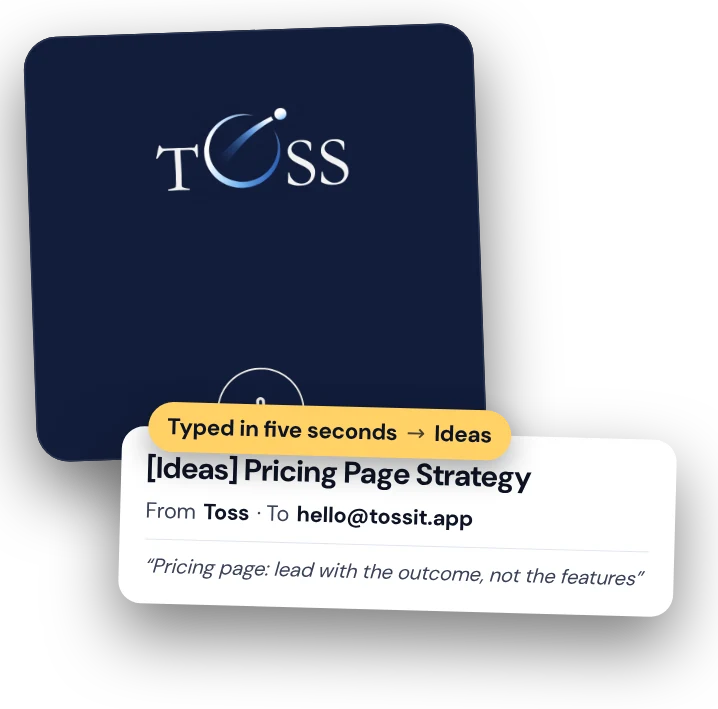
Capture only works
if it is faster than forgetting.
If capturing a thought takes ten seconds and four decisions, you skip it, and your head becomes the inbox again. Toss takes one tap and no decisions.
Without Toss
“An open loop pops up in the car. You tell yourself you will remember it. It nags you all afternoon.”
With Toss Pro
For inbox, ask the garage about the winter tyres.
✓ Out of your head and in your inbox. The loop is closed.
Without Toss
“Unlock, open the task app, pick a project, type with your thumbs, add a tag.”
With Toss Pro
For errands, buy dehumidifier filters.
✓ Lands straight in the Todoist project that holds your errands.
Without Toss
“A receipt, a whiteboard, a page in a book: you take a photo and it sits in your gallery forever.”
With Toss
Photo → Toss → it arrives as an email with the image attached.
✓ Collected where your weekly review will find it.
Where Toss fits
It does the capture. Your system does the rest.
- 01
Capture
Everything that has your attention goes into one inbox, the moment it appears. Toss makes that one tap from any screen, by voice, text, photo or file.
- 02
Clarify
Later, at your desk, you decide what each item is. On Pro the note already has a clear subject and summary, so clarifying is reading, not replaying audio.
- 03
Organise
Your trusted system stays the same: Todoist, Trello, Asana, your email folders. Toss sends to their email-in addresses.
- 04
Review and engage
Your weekly review finds everything in the place you already look. Nothing is stuck in a capture app you forgot to open.
Destinations as lists
Say the list. It goes there.
On Pro each destination is a name and an email address. Make them match your GTD lists, and the first words of a note file it for you: For errands, For someday,.
Inbox
Your own email or your task app’s inbox: the default for anything you have not clarified yet.
Projects
Point a destination at the email-in address of a Todoist or Trello project and say its name.
Waiting for
“For Claire, …” sends the note to Claire herself. Copy yourself in to keep track.
Someday / maybe
A separate address for ideas you do not want in today’s list, but do not want to lose.
Frequently asked questions
Is Toss a GTD app?
Toss covers the capture step. It is not a task manager and does not try to replace yours. It gets everything into your inbox, or straight into your task app by email, so your existing GTD system keeps working.
Which task managers does it work with?
Anything with an email-in address: Todoist, Trello, Asana, most helpdesks and CRMs, and of course plain email. Notion has no email-in, so it needs a small Zapier, Make or n8n step. See email routing.
Can I capture straight into a project or context?
On Pro, yes. Create a destination per project or context (Errands, Calls, Someday) with the matching email-in address, then say its name at the start of a voice note. Free sends everything to one inbox, which is already a good GTD inbox. Every install starts with 14 days of Pro, no card needed.
Does it work offline?
Yes. Captures are saved on your phone at once and sent when you are back online, so nothing waits on a connection.
Is Toss affiliated with David Allen or GTD?
No. Getting Things Done® and GTD® are registered trademarks of the David Allen Company. Toss is an independent capture app that fits the method.
Empty your head.
Keep your system.
Free to start. 14 days of Pro included, no card.